Categories
3. Content publishing for tablets 5. Succesfull digital publication

E-shop administration: products

Publishers who use e-shop to sell subscription and at the same time have the Triobo Professional tariff can sell, together with the subscription, also related products – for example books. You can administer all content yourself in product administration.

Entry into the Administration

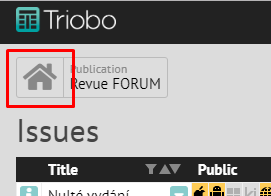
Click on the house icon and continue according to the pictures:
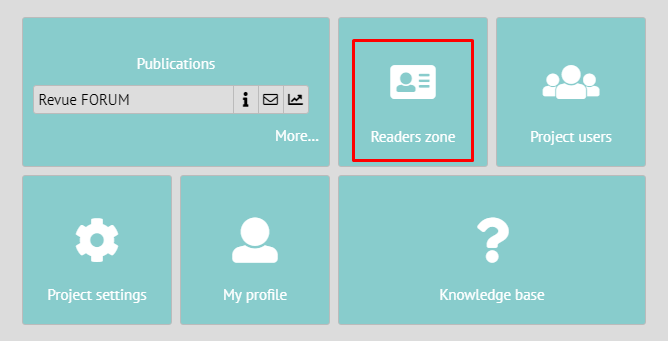
Then into the Readers zone:
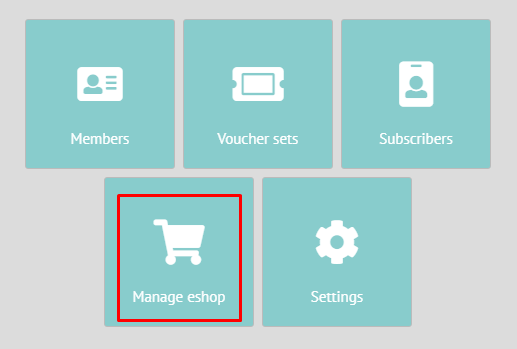
In Readers zone choose the E-shop section:
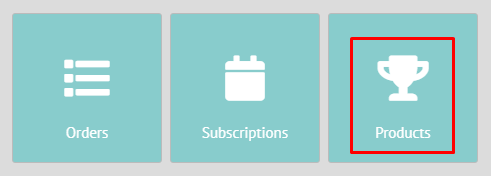
And continue to the Products section:
New product

In the product overview click on the icon + in the bottom left corner.
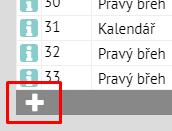
A dialog box for inserting a new product will appear:
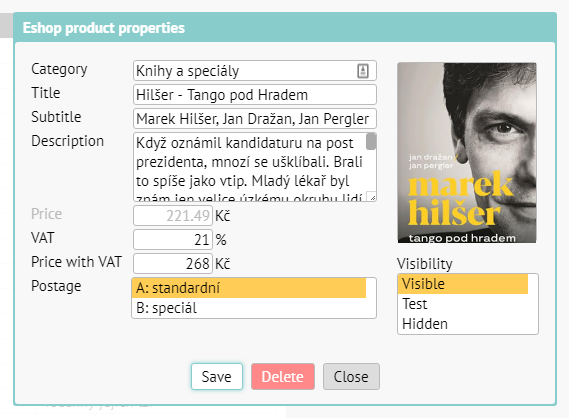
The meaning of individual parameters:

Category – you will fill in the category into which the product shall belong. If you use a category title, that has not yet been used, a new category shall be established.

Title – the title of the product (typically a book title).

Subtitle – typically the author of the book.

Description – a longer description, it shall be shortened on the main page of the e-shop, on the product detail it shall appear entirely.

VAT – default is at 21 %, you can however change it accordingly to the legislation and the respective product.

Price with VAT – you shall input the final price, price without VAT shall be calculated automatically.

Postage – based on how you defined your categories of postage when setting up e-shop (this cannot be done yourself, it needs to be set up by us), you will choose the type of the postage. For example category „A“ shall be books and category „B“ shall be discounted postage for sending smaller special issue.

Image – you will drag an image of the product into the rectangle box. Watch out though, the image will not be optimized in any way, you need to do this yourself, based on your own consideration regarding the quality of the image vs. data size.

Visibility – you can use this while preparing your materials. The possible variants are Visible, Test (=trial, is only visible on non-public address), Hidden (is not shown to customers in the offers section).

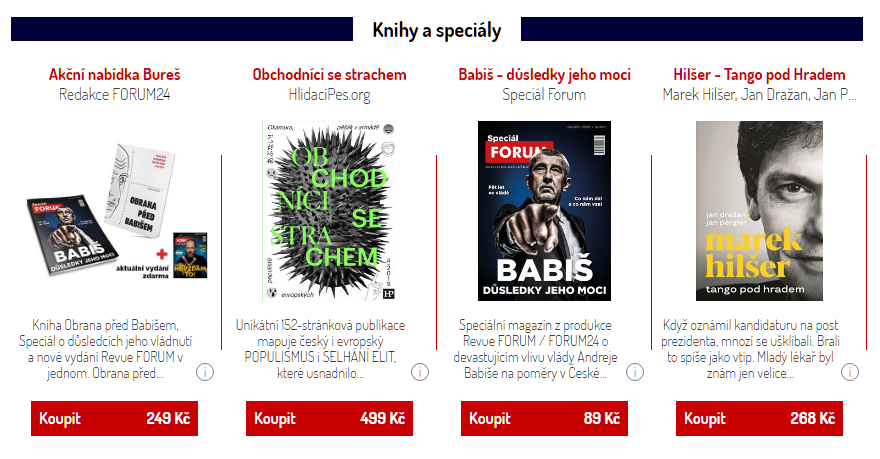
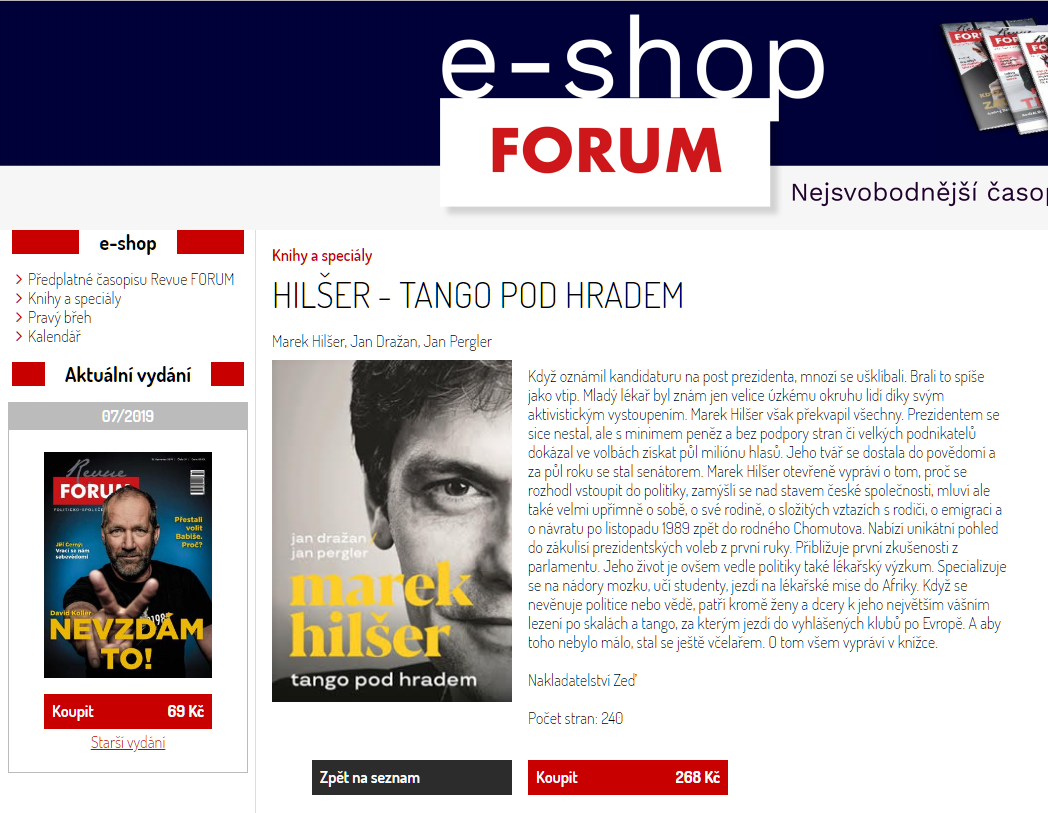
For better idea, this is how the product from the previous image looks like in real e-shop. The first image is the cutout of the main page of the e-shop.
And this is how the product detail looks like:
How to edit the product

Click on the icon [i] on the beginning of the respective product row. You will then make the required change in the product. As soon as you save everything, it will be updated immediately in the e/shop.

How to change the order of the products

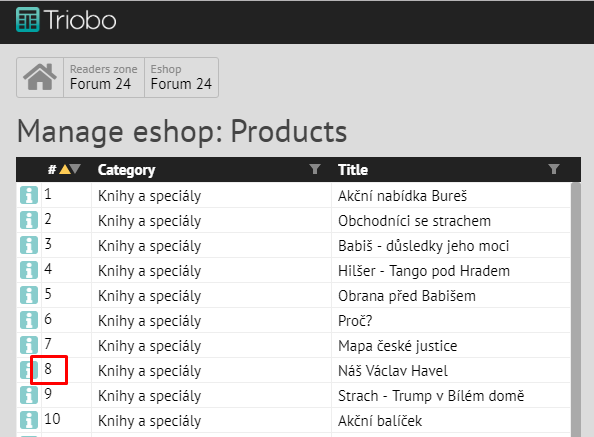
By dragging the mouse (drag and drop) – grab the respective product by the number on the begging of the respective row and drag it into the required position.
Categories
2. Triobo editor

Purchases – unit purchases and subscriptions

Whether the reader receives access to issue depends on the Product ID and publication date.

Product ID is an identifier that you will use with iTunes Connect (or Google Play) interface. With this interface that you have to set up with Apple/Google you further identify what issues you sell and at what price. Product ID serves as identification of your reader and further differentiation attributes. The reverse entry is used in similar way as with internet address, only reversed. So if you have a company MyPub and issue monthly magazine called MyTimes, then the reader identifier will be cz.mypub.mytime – remember you cannot change the identifier later!

Then the issue identifier (Product ID) text for January issue 2012 the may look like this cz.mypub.mytime.1201

In the App Store (store operated by Apple) or Google Play (run by Google) the reader purchases just this identifier and it cannot be changed later in any way. So once you sell the Product ID cz.mypub.mytime.1201 to your reader, it should always be available for release with this Product ID.

Second way the reader can access the issue is the subscription. At this moment the subscription is only possible to sell through the App Store. In real terms, this is a purchasing period (not a number of pieces). If reader purchases on monthly subscription, such as 8th September 2012, then the prepaid period is 8th September to 7th October 2012. If within 24 hours before the end of the subscription the automatic renewal is not cancelled, it will be then renewed and thus extended from 8th September to 7th November 2012. Again, if the renewal is not canceled, another credit card payment will be effective, etc.

The Triobo reader offers such issues to its readers, whose release date falls within the paid period, plus extra one issue that is current at the time of purchase (this is the Apple’s rule). So thus imagine any issue not by the date it comes out, but as the interval between the date it is issued and the date of the next issue. The reader gets access to all issues that intersect with the interval of subscription.

Subscription example

Issues 1, 2 and 3 were published on 15th January, 15th February and 15th March. The reader had paid a monthly subscription on 3rd February and discontinued it on 8th February (to avoid automatic renewal). He has therefore paid for the interval from 3rd February to 2nd March. At the time of purchase he has received the issue number 1. Once the issue number 2 is published on 15th February he will get it as well. However he will not receive the third issue.

If you later uninstall the reader and then reinstall it again (or even install it on another tablet/phone) and enter the function Refresh purchases, you will re-access the number 1 and 2 issues.

Note that by purchasing on monthly subscription the reader had received two editions: and therefore has the right to number 1 issue, even though he has paid on 3rd February and the issue already came out on 15th January. At the time of purchase the subscription was still “valid”.

Therefore when setting the subscription price take into account the following:

  • the reader usually gets about one extra issue than it would correspond to the subscription length
  • If the journal is published irregularly (e.g. in the summer a double issue is published in July), it may happen that the reader will not receive any new issue within the subscription period
  • it may also happen that if you are not using the exact date of the month the reader receives only 11 issues for a yearly subscription

The reader should be notified about all these facts. In the event that the reader will want to complain about subscription purchase, he will not be able to resolve anything with the publisher nor the Triobo operator – because the seller is Apple. However the Apple does not guarantee that any issue is published within the purchase interval and rejects the claim. However these are pitfalls of “time subscription”.